
Best Couple Widget Apps for iPhone
The best couple widget apps for iPhone, grouped by widget type: distance, photos, notes and drawings, moods and pets. What each does and what to check first.
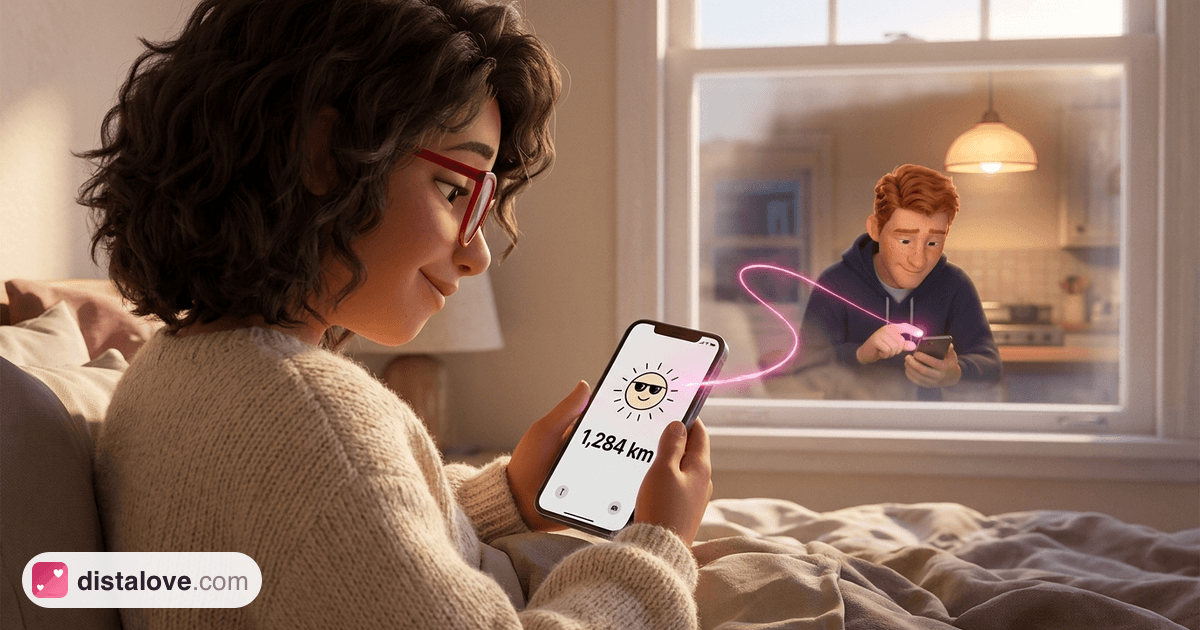
A couple widget puts a small piece of your partner on your iPhone screen: a photo they just took, a doodle, their mood, or the distance between you. The best couple widget app for iPhone is the one whose widget you will still glance at in three months, and that depends far more on the type of widget than on the app's rating.
So this guide groups apps by what the widget actually shows. Every detail comes from the apps' App Store listings, checked in October 2026. Listings change often, so confirm features and prices before you pay.
How Couple Widgets Work on iPhone
iPhone has two places for widgets, and they behave differently.
Home Screen widgets come in several sizes and can show photos, drawings and color. Apple's guide to adding widgets on iPhone walks through it: touch and hold the background until the apps jiggle, then choose Add Widget.
Lock Screen widgets are small and simple, best for a number or a short line. You add them while customizing your Lock Screen.
One limit applies to every app on this list: widgets are not live. Apple's WidgetKit documentation explains that a frequently viewed widget typically gets 40 to 70 refreshes a day, roughly every 15 to 60 minutes. Any app promising truly instant updates on a widget is working within that budget too.
For why widgets suit couples so well in the first place, see couple widgets: your partner on screen.
Couple Widget Apps at a Glance
| App | Main widget idea | Lock Screen mentioned in listing | Model |
|---|---|---|---|
| iFeely | Moods, clocks, doodles, next visit | Yes | Free, Premium shared by both partners |
| Couple Joy | Distance, days together, moods | Not specified | Free, Premium in-app |
| Widgetable | Pets, moods, photos, distance | Yes (Distance Widget) | Free, Premium subscription |
| Locket | Live photos from close friends | Not specified | Free, Locket Gold in-app |
| Bondly | Drawings, photos and notes | Not specified | Free, Premium in-app |
Best for Distance and Presence
Distance widgets turn an abstract "far away" into one number. For long distance couples, that number is often the most glanced-at thing on the phone, especially next to their local time.
Distalove
Distalove is our own app, so take this entry with that in mind. It has home and lock screen widgets for the distance between you, a compass, days together, a countdown to the next visit, and notes or drawings you send each other. It shows how far apart you are, never a pin on a map.
iFeely
The app shows the distance between you and your partner's local time and weather, and its listing describes Home Screen and Lock Screen widgets for moods, steps, days together, your next visit and both clocks. Doodles appear live on your partner's widget. You can send a mood or a "thinking of you" from the widget itself, and one Premium subscription covers both partners. It requires a recent iOS version (18.6 or later at the time of checking).
Couple Joy
Couple Joy combines a distance tracker that you can "watch shrink as you get closer to seeing each other" with couple widgets, mood sharing, a days-together counter, daily questions, games and streaks. It suits couples who want a widget plus a broader relationship app.
Best for Photos: Locket
Locket was the app that made photo widgets mainstream. According to its listing, it shows live photos from up to 20 friends on your Home Screen, and you can add a "Crush" or "Best Friend" widget that shows photos from just one person. That single-person widget is how many couples use it.
The trade-off is that Locket is built around friend groups, with nothing specific to distance or time zones. We look at that in more detail in Locket alternatives for couples.
Best for Drawings and Notes: Bondly
Bondly focuses on hand-drawn notes, photos and short messages that appear on your partner's Home Screen. Text notes and moods are free; photo sharing, drawings and full message history need Premium, according to its listing. It also has a daily streak, which some couples love and others find stressful.
Best for Playful Extras: Widgetable
Widgetable has the widest range. Its listing includes virtual pets you co-parent, a sleep widget, mood widgets, a "Miss You" widget, "Pin It!" for sending snaps and doodles to someone's screen, and a Distance Widget for the lock screen. It is aimed at "besties and loved ones" rather than couples only, so expect a lot of options to sort through.
Which Widget Belongs Where
A simple setup that works for many couples:
- Lock Screen: one number you want to see every time you pick up your phone. Distance, or a countdown to the next visit. The countdown is often the most motivating; see why a visit countdown keeps couples close.
- Home Screen: something visual. A recent photo, a drawing, or their local time and weather if you live in different time zones. Our guide on how to handle time zones in an LDR explains why that small clock prevents so many missed calls.
- Not everywhere. Three couple widgets across two screens starts to feel like noise rather than presence.
What to Check Before You Install
Does your partner need to pay too? Some apps share one subscription between both partners; others do not. Check the listing or ask support.
What is free? Many apps lock the most interesting widget, such as photos or drawings, behind Premium.
Are there streaks? Streaks turn a gentle habit into an obligation, the pattern covered in long distance communication without burnout.
What does it do with location? If a widget shows distance, the app needs your location. Read its privacy label and our guide to choosing a couple app before agreeing.
Which iOS does it need? Newer apps may require a recent iOS version on both phones.
Frequently Asked Questions
What is the best couple widget app for iPhone?
It depends on the widget you want. Distance apps suit long distance couples, Locket suits couples who share photos all day, and Bondly or Widgetable suit couples who like drawing and playful extras.
Can I put my partner on my iPhone Lock Screen?
Yes. Several couple apps offer Lock Screen widgets. Edit your Lock Screen, tap Add Widgets, and choose the app. Lock Screen widgets are small, so they work best for a number such as distance or a countdown.
Do couple widgets update in real time?
No. iOS limits how often widgets refresh, typically every 15 to 60 minutes for a widget you look at often. Opening the app usually forces a fresh update.
Do both partners need the same app?
Yes. Couple widgets show data your partner sends, so both of you need the app installed and paired.
Are couple widget apps free?
Most are free to download with paid upgrades. The free tier often covers basic widgets, while photo, drawing or customization features may need a subscription.
Final Thoughts
The best couple widget apps for iPhone do one small thing that messaging cannot: they keep your partner in view when nobody is typing. Choose the widget type first, whether that is a number, a photo or a doodle, then pick the app that does it with the least friction.
Start with one widget each, give it a few weeks, and keep only what you actually look at.